Posts

Showing posts with the label how to create bootable drive

Nvidia’s Mining Limiter Hacked (LHR) Hacked for Miners
Image
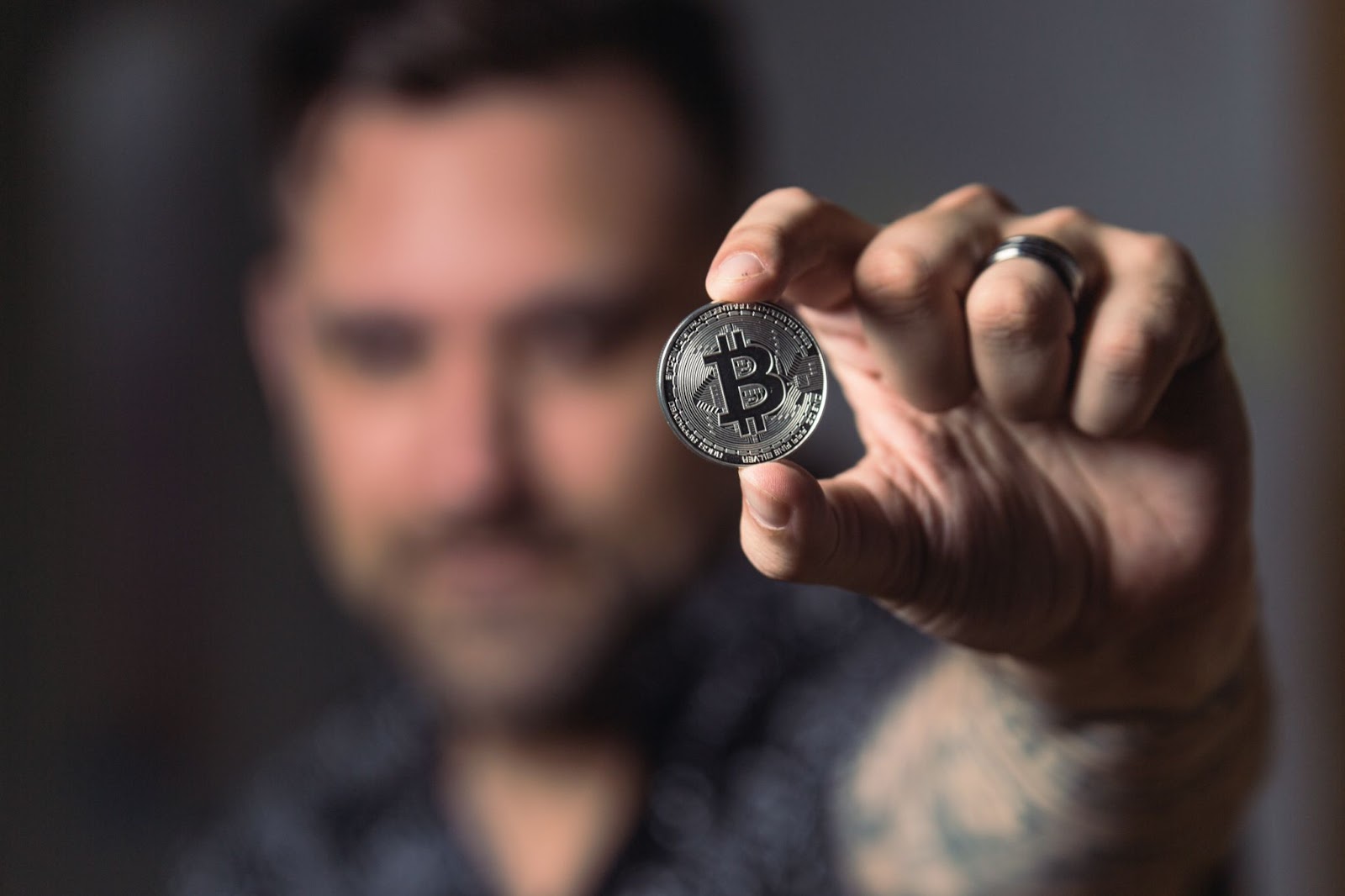
  Nvidia’s Mining Limiter Hacked LHR GPUs now can mine 70% more by Admin on August 17 The latest version of Ethereum Mining tool (NBMiner) managed to hack Nvidia’s LHR (Lite Hash Rate), limiting the miners’ hash rate. NBMiner manages to increase the performance of the GPUs with LHR up to 70%, although the developers recommend capping out at 68% for stability. This hack will work with the latest Nvidia drivers on Windows and Linux, although NBMiner currently supports only the EthHash algorithm, future updates may be included with other algorithms to mine with LHR enabled GPUs and also expected to get more performance through LHR enabled Graphic Cards. So this is not a good move for the gamers who are trying to buy the budget gaming graphics cards such as Nvidia’s RTX 3060 and RTX 3060 Ti will suddenly be a good choice for miners again fo the miners will pick the cards and there will be less stock in the market for gamers to buy. What is PrinNightmare Vulnerability
How to Create Bootable USB/DVD

Image
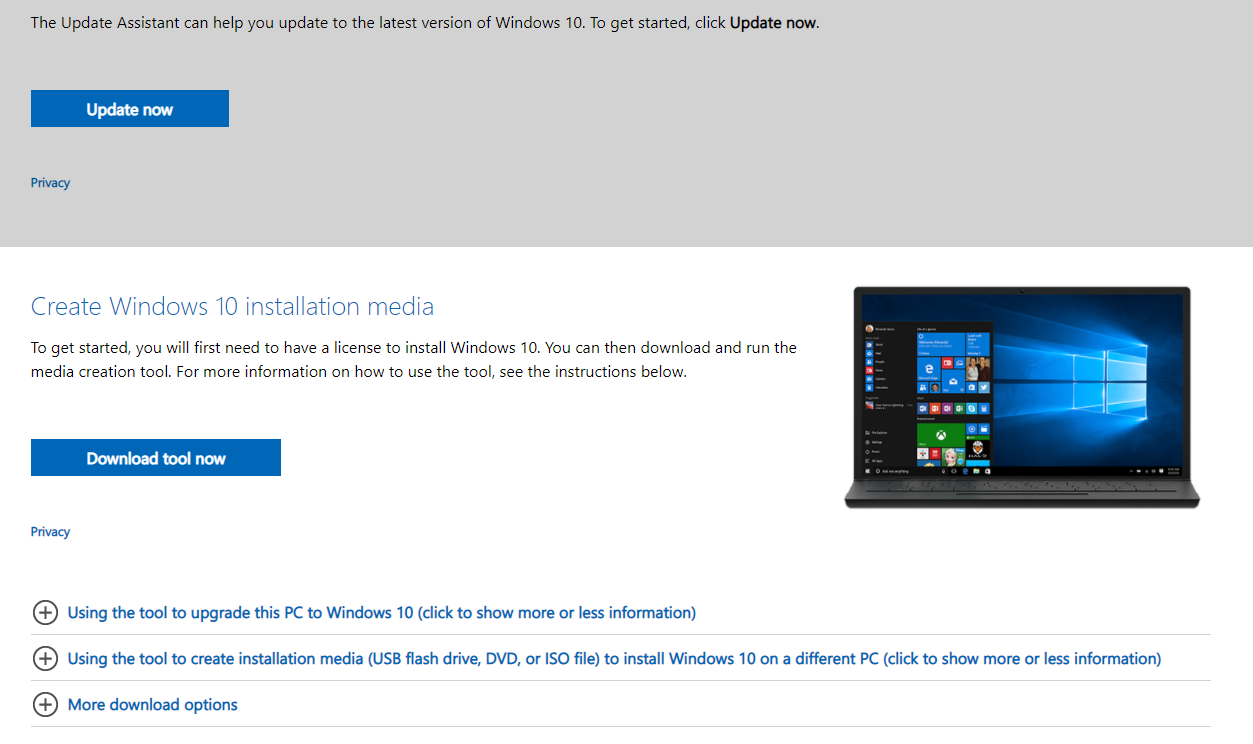
Please follow the Instructions to Create Window 10 Bootable USB or DVD To create bootable USB or DVD you need a Windows Computer First step is to make your selection whether it’s USB or DVD  If USB you need to copy all Data on the USB Drive because to create bootable Windows we need to format the USB Drive If your making a Bootable DVD no need to prepare anything Download “ Create Windows 10 installation media ” Tool from Microsoft website downloads from below Link Click Here to Download the Tool Click on Download Tool Now After download finishes Run it from Downloads Folder Next step to Accept Microsoft software license terms Then Select Create installation media and click Next Next Step is to select Language, Edition and architecture that you want to download To select simply Untick the “Use the recommended options for this PC” Note: Select the correct Architecture for you Computer Here in this step you need to select which media you will use to install Windows 10, USB flash dr...

Popular posts from this blog

Windows 11 not supported for your PC?

How to remove unremovable apps in Windows 10?

How to Create Bootable USB/DVD